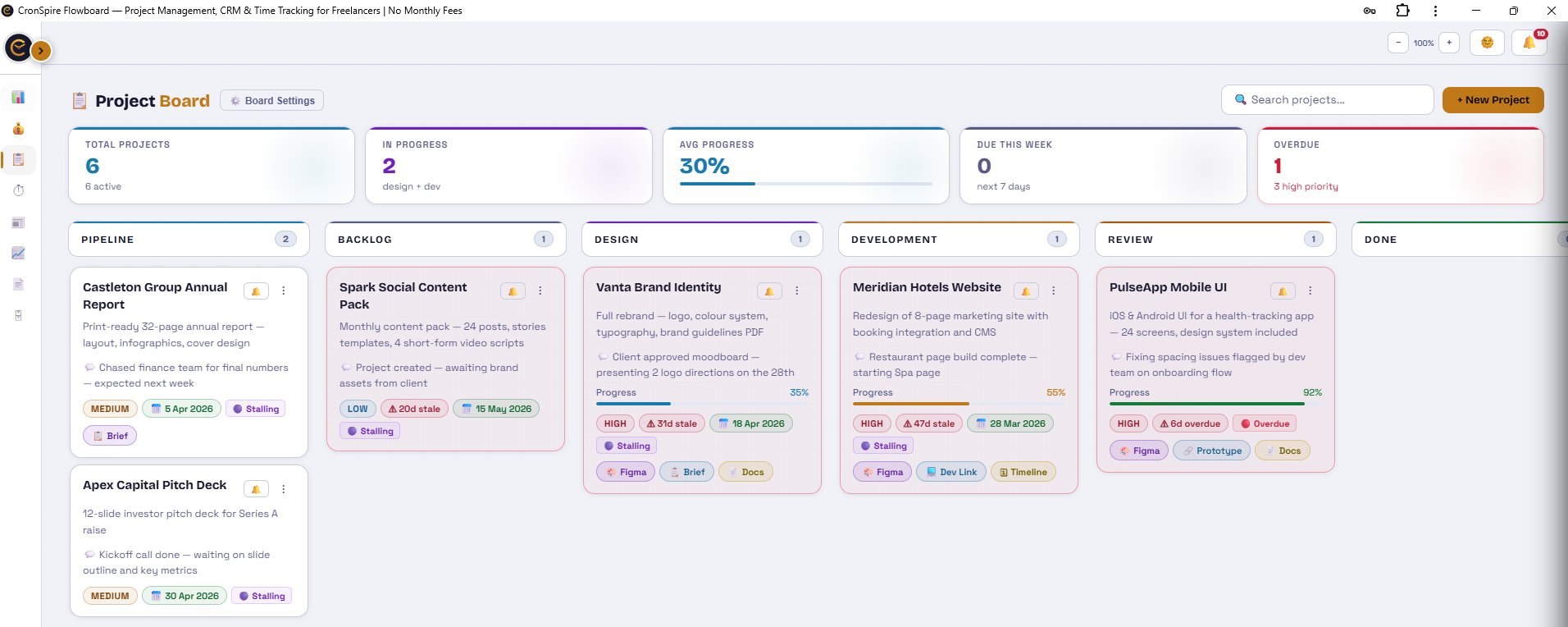
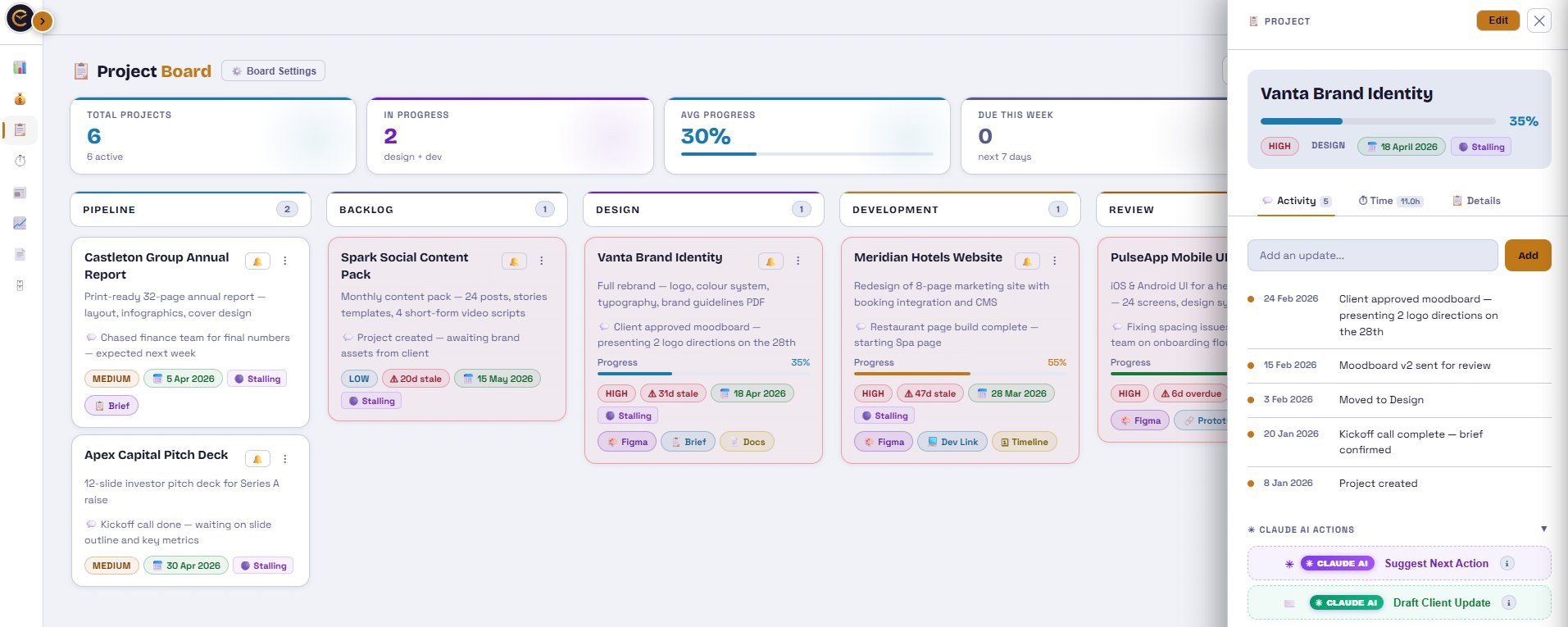


Project Board
Pipeline0
Backlog0
Design0
Development0
Testing / QA0
Review0
Done0
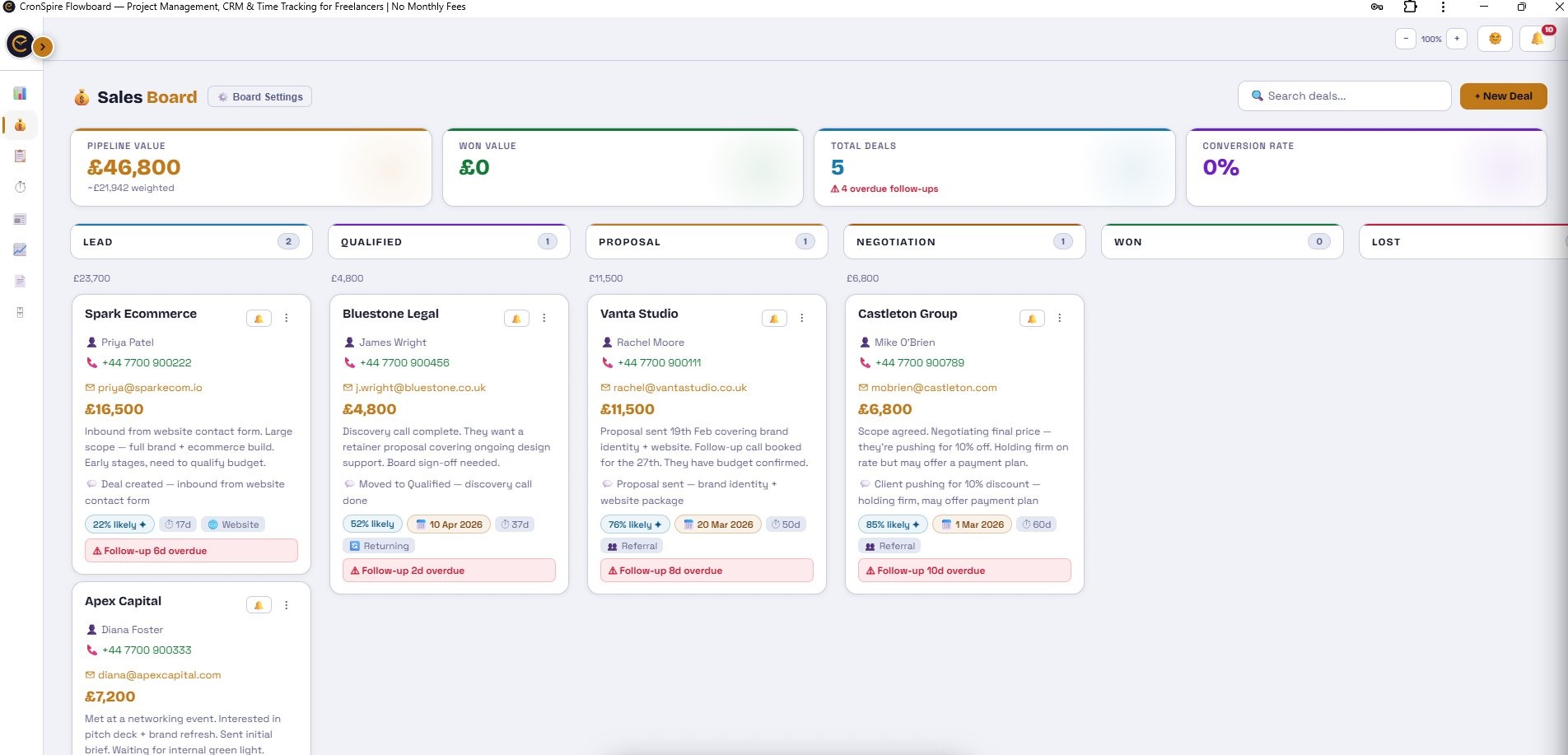
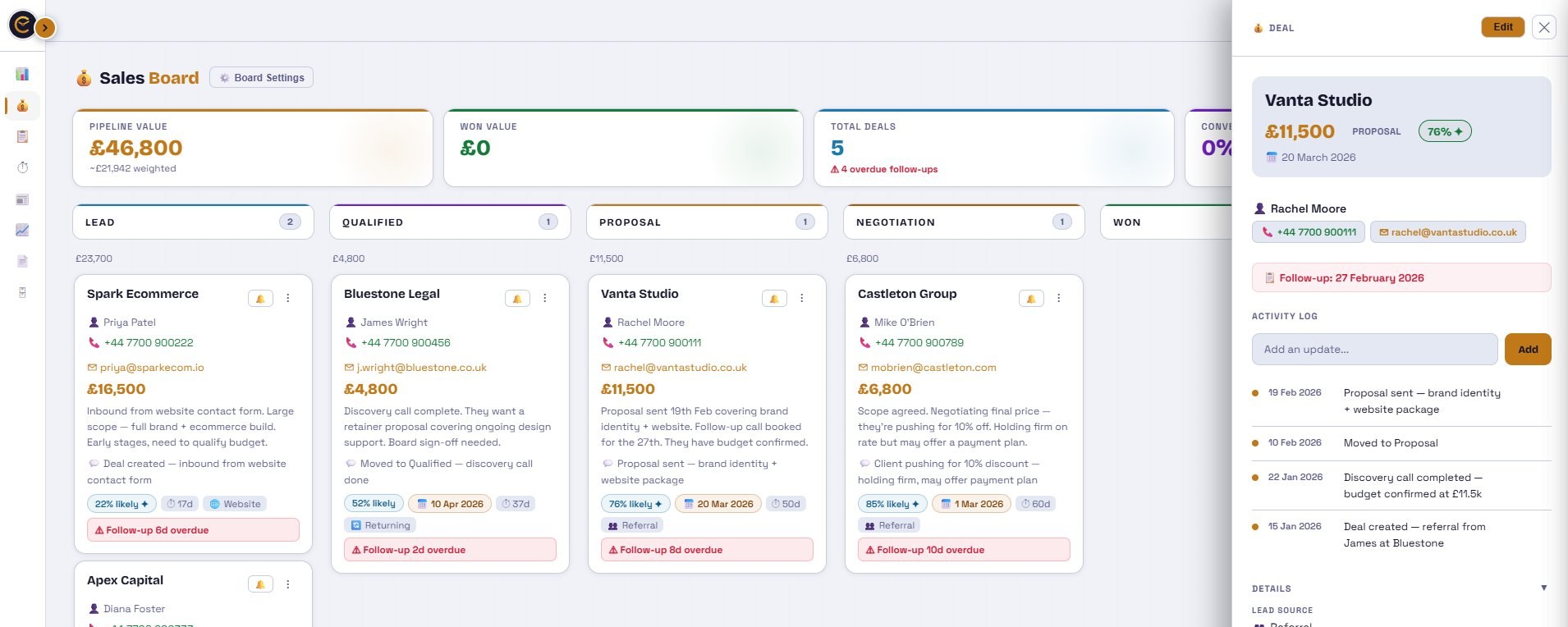
Sales Board
Tracking
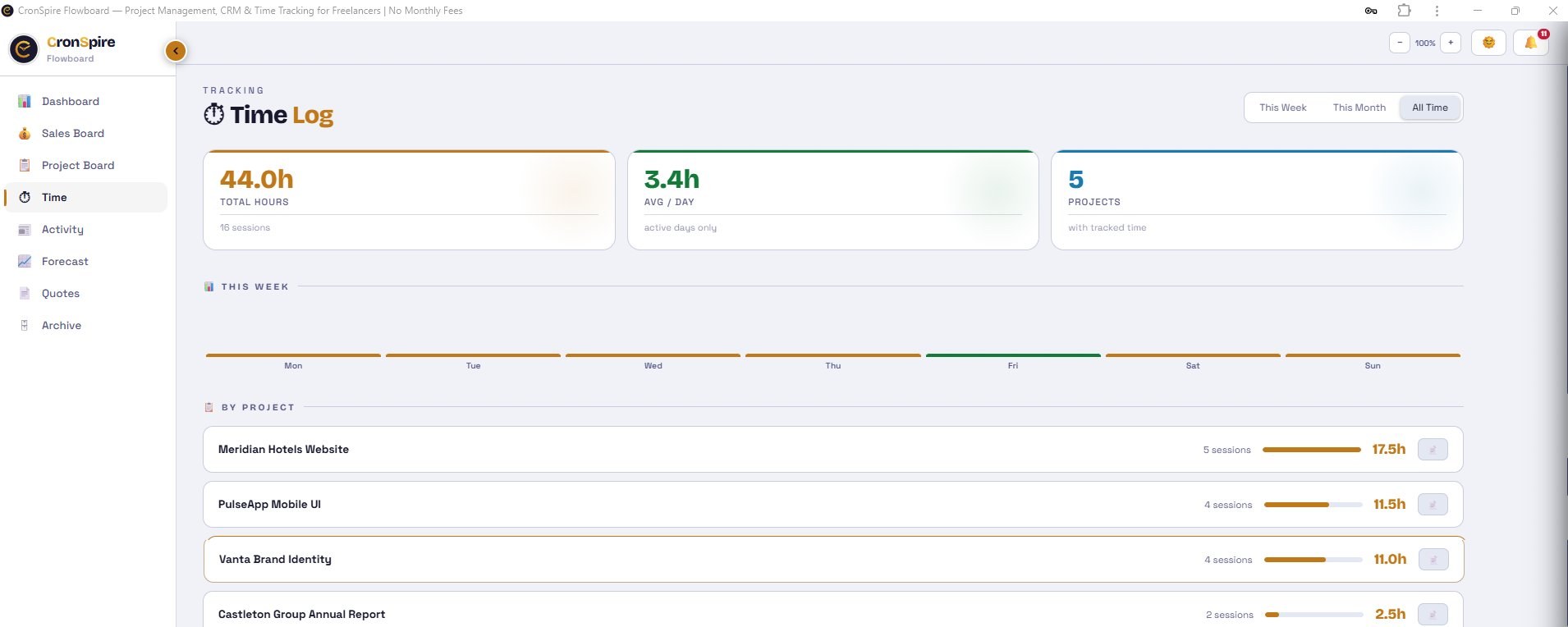
Time Log
📊 This Week
📋 By Project
📝 Time Entries
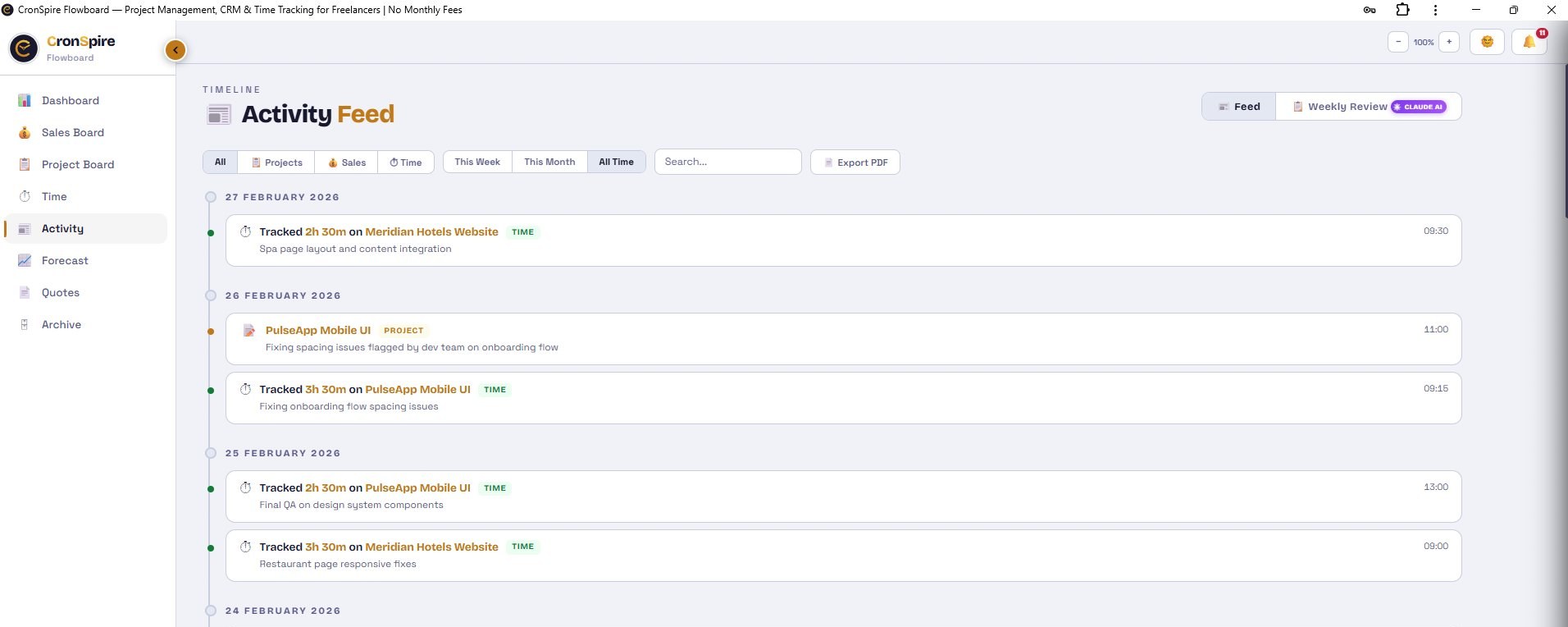
Timeline
Activity Feed
Revenue
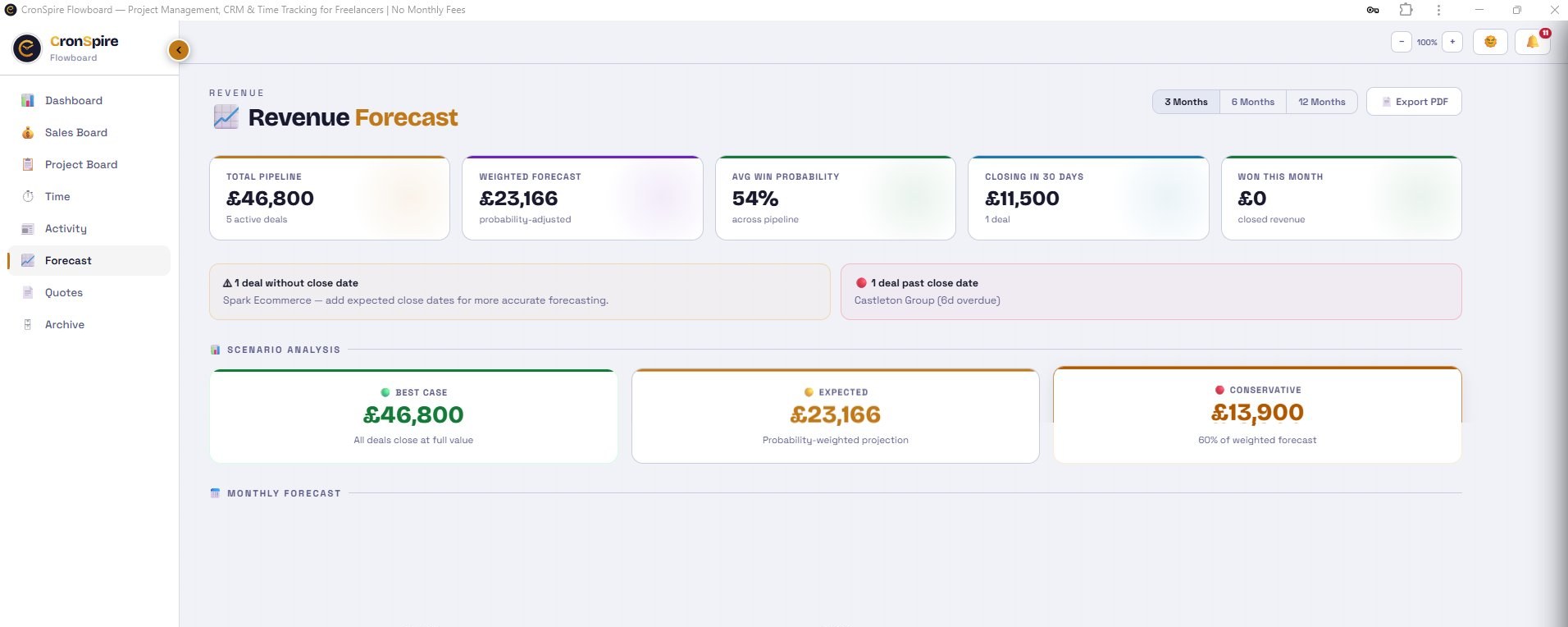
Revenue Forecast
Scenario Analysis
Monthly Forecast
Deal-by-Deal Forecast
Overview
Dashboard
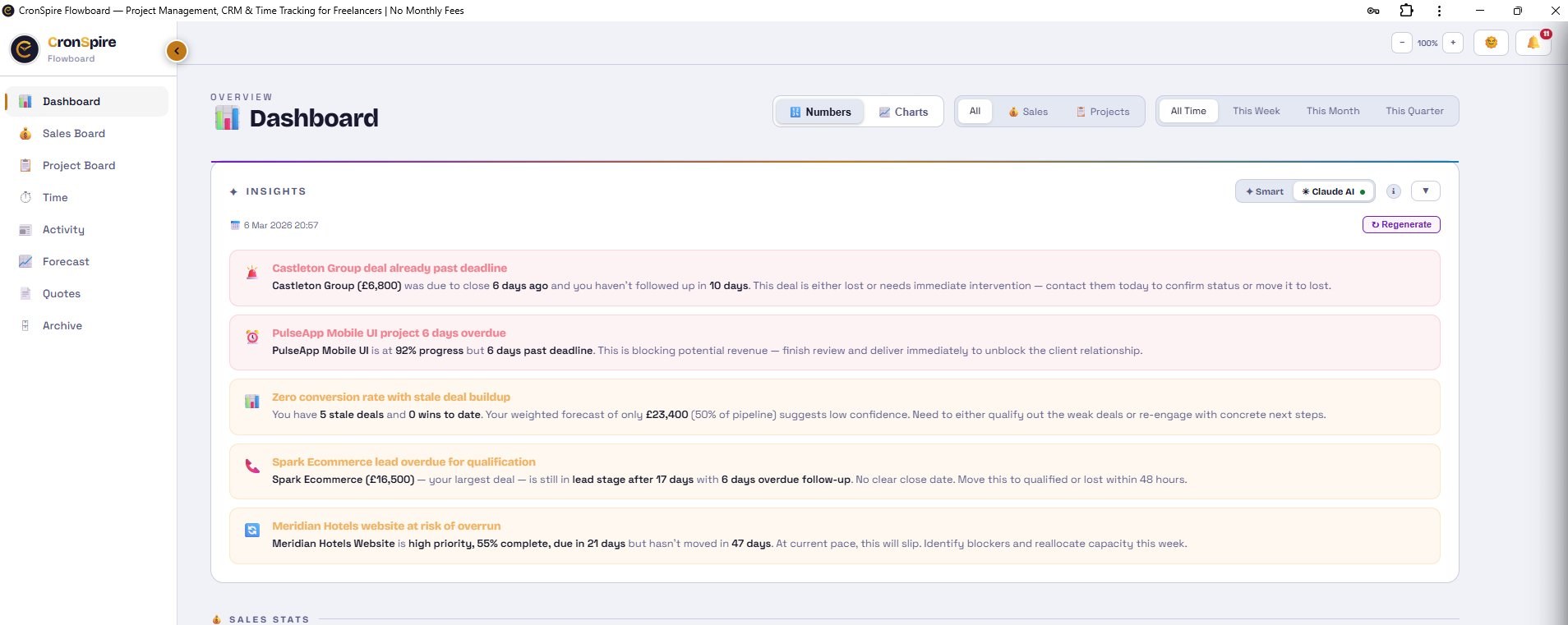
✦ Insights
Analysing your board...
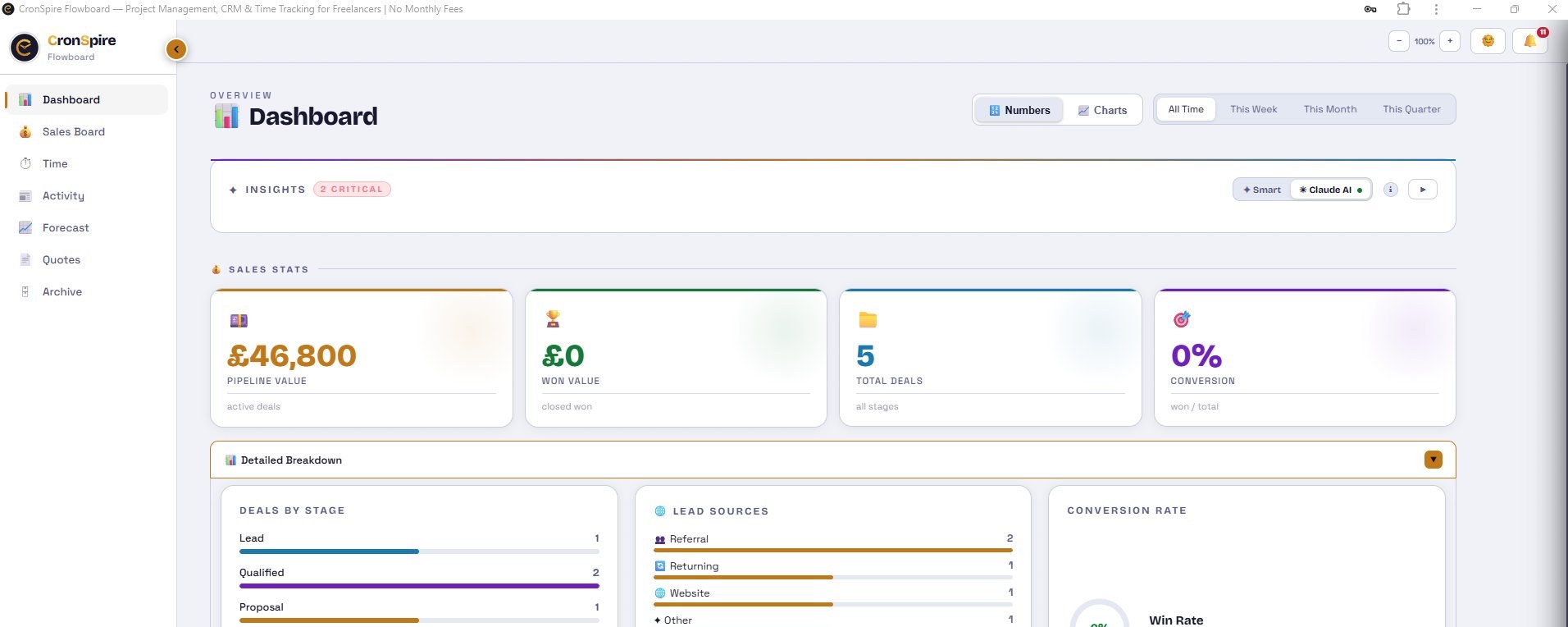
💰 Sales Stats
£0
Pipeline Value
active deals
£0
Won Value
closed won
0
Total Deals
all stages
0%
Conversion
won / closed
£0
Avg Deal Value
won deals
0
New Deals
created this period
—
Avg Close Time
days to win a deal
—
Closing This Month
deals with close date set
Deals by Stage
Lead Sources
Conversion Rate
Won Revenue by Month
Deals Won by Month
🔀 Stage Conversion Funnel
% of deals progressing from each stage
🔔 Upcoming Follow-ups
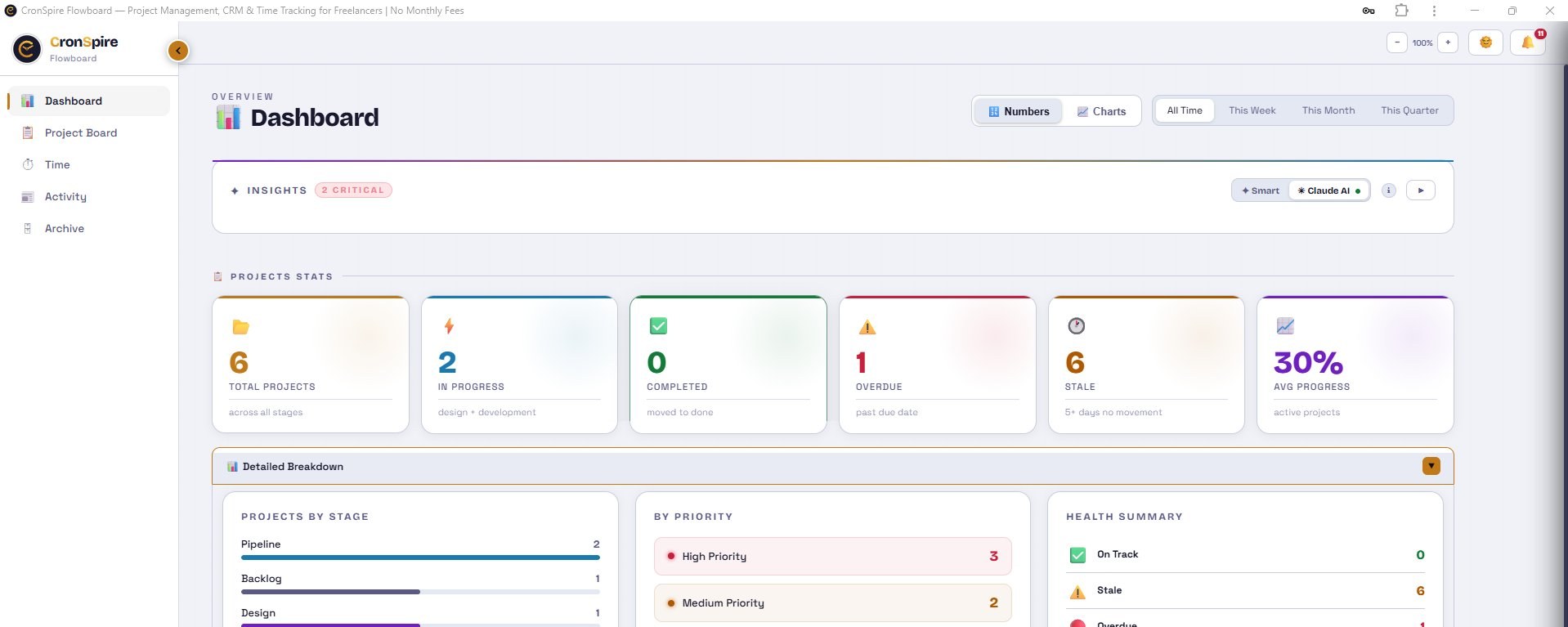
📋 Projects Stats
0
Total Projects
across all stages
0
In Progress
design + development
0
Completed
moved to done
0
Overdue
past due date
0
Due This Week
next 7 days
0
High Priority
active projects
0%
Avg Progress
active projects
—
Active Budget
across active projects
—
On-Time Rate
completed projects
—
Avg Project Duration
days start to finish
Projects by Stage
Avg Progress by Stage
By Priority
Health Summary
🔔 Project Reminders
💰 Sales Overview
Won Revenue by Month
Win / Loss Ratio
Deals by Stage
Lead Sources
Deals Won by Month
New Deals by Month
Won / Lost by Label
Avg Close Time
—
days to win a deal
Avg Deal Value
—
won deals
📋 Projects Overview
Projects by Stage
By Priority
Project Delivery Health
Health Summary
Sales
Sales Reports
Report builder
Show
of
grouped by
as a
Range
Sales
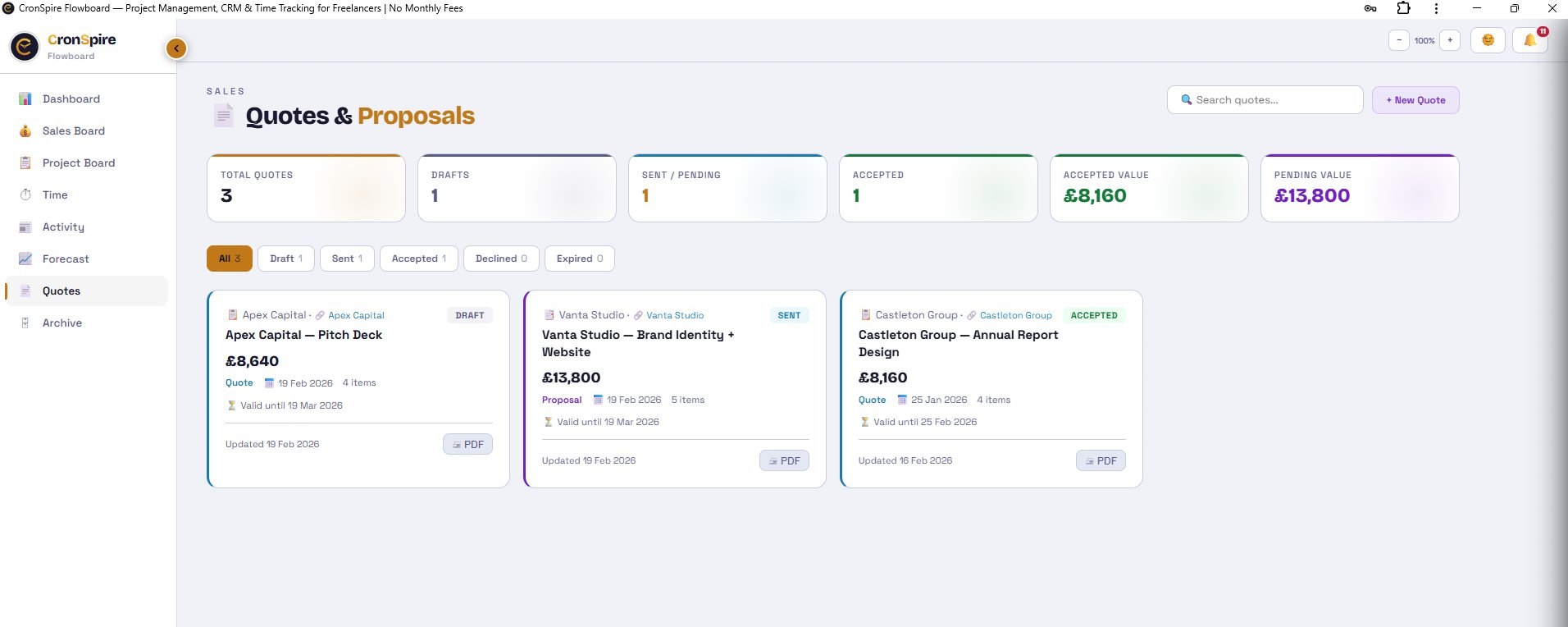
Quotes & Proposals
Sales Archive
Alerts
✕
No alerts right now
🔑
Connect Your Own API Key
Follow these 4 steps — takes about 2 minutes
1
Create an Anthropic account
Go to console.anthropic.com and sign up with your email or Google account.
Go to console.anthropic.com and sign up with your email or Google account.
2
Add credit ($5 minimum)
Once signed in, go to Settings → Billing and add at least $5. This lasts months — each AI action costs fractions of a cent.
Once signed in, go to Settings → Billing and add at least $5. This lasts months — each AI action costs fractions of a cent.
3
Create an API key
Go to Settings → API Keys and click Create Key. Give it any name (e.g. "Flowboard"). Copy the key — it starts with
Go to Settings → API Keys and click Create Key. Give it any name (e.g. "Flowboard"). Copy the key — it starts with
sk-ant-4
Paste and connect
Close this guide, paste your key into the API Key field below, and click Connect. That's it — all AI features will use your key.
Close this guide, paste your key into the API Key field below, and click Connect. That's it — all AI features will use your key.